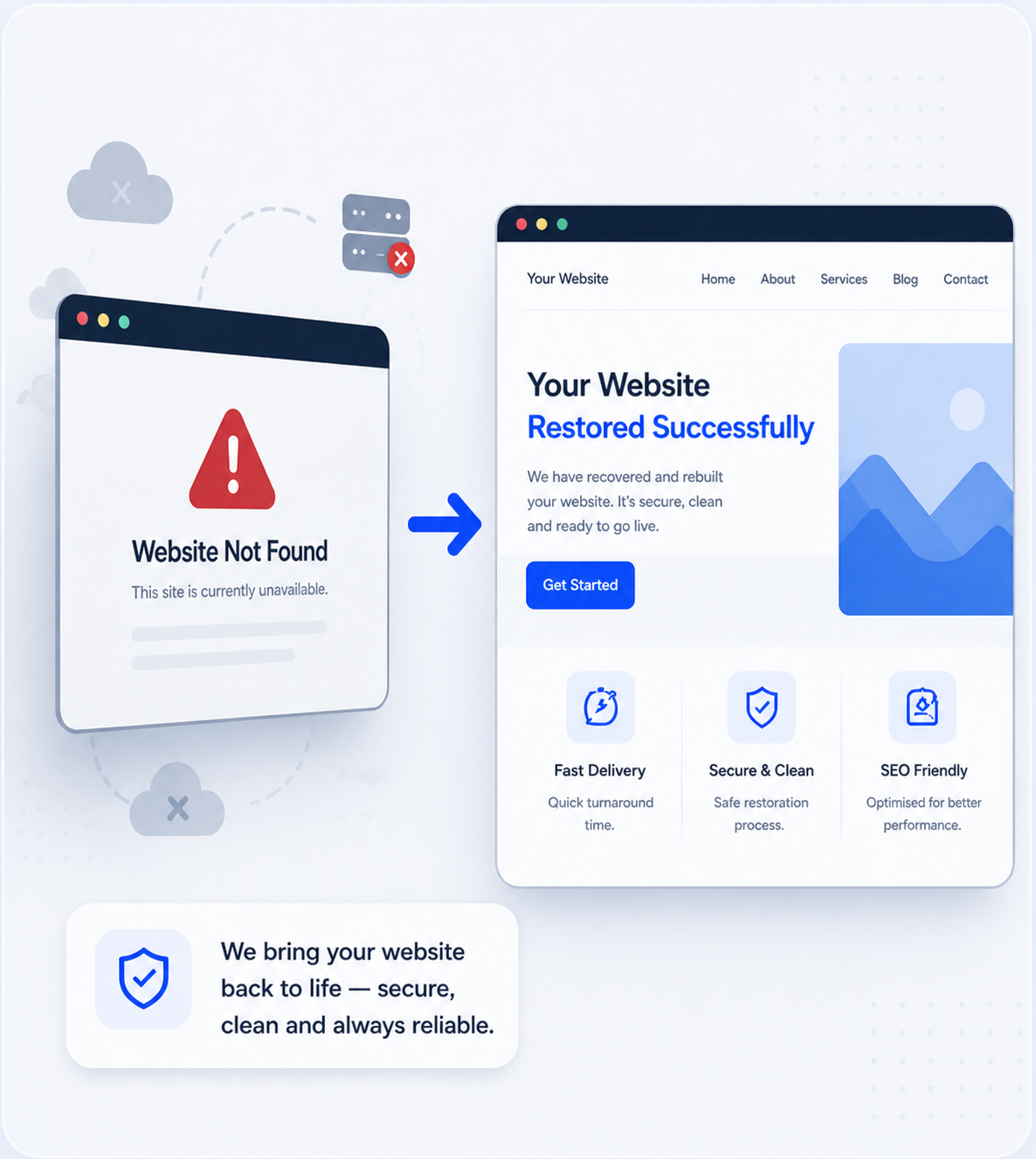
Wayback Machine Website Restoration Experts

Website Restoration Service for WordPress, HTML & eCommerce Websites

Lost your website due to expired hosting, accidental deletion, hacking, or domain issues? Your website may still be recoverable using archived snapshots.

At Wayback Restore, we specialize in recovering and rebuilding websites from archived snapshots stored in the Wayback Machine. Our team converts lost websites into fully editable WordPress, HTML, or eCommerce websites while preserving original content, structure, and SEO-friendly URLs.

Start Your Website Restoration

Secure order • Manual restoration • Delivery in 24–72 hours

You can find the archive url on https://archive.org/web/

Remove

Total $50

How we restore website from Wayback Machine archives

Lost Your Website? Recover and Restore It from Archived Versions

Websites can be lost due to expired hosting, accidental deletion, hacking, or domain issues. In many cases, the only remaining version exists as archived snapshots stored in the Wayback Machine. Without proper website restoration, original content, structure, and search visibility can be permanently lost.

At Wayback Restore, we specialize in restoring websites from Wayback Machine archives. Our team manually recovers archived website data and rebuilds it into a fully functional website. We convert archived websites into editable WordPress, eCommerce, or HTML websites with clean structure, responsive layouts, and preserved SEO-friendly URL structures ready for long-term use.

Website Restoration & Recovery Services

At Wayback Restore, we provide professional website restoration and recovery services using archived data from the Wayback Machine. Whether you need to restore a blog, business website, or eCommerce store, our team carefully rebuilds every page, image, and link to deliver a fully functional website with clean structure and SEO-optimized performance.

Elementor WordPress restoration service icon

Restore archived websites from Wayback Machine snapshots into editable Elementor WordPress pages.

Simple WordPress website restoration service icon

Recover archived websites from Wayback Machine and rebuild them into modern WordPress websites.

Blog website restoration service icon

Restore archived blogs from website snapshots and rebuild them using a premium WordPress theme.

eCommerce WordPress restoration service icon

Recover archived eCommerce websites and rebuild them into a functional WordPress WooCommerce store.

Redesign archived website in WordPress service icon

Restore old or deleted websites from Wayback Machine archives with an updated WordPress redesign.

HTML website restoration service icon

Restore static HTML websites from Wayback Machine archives with original layout and content.

Hacked website recovery and malware cleanup service icon

Recover hacked websites and remove malware using clean archived versions and secure restoration methods.

Clone business website into WordPress service icon

Recreate an existing business website in WordPress with the same layout, content structure, and functionality.

How we restore website from Wayback Machine archives

Why Choose Wayback Restore?

Restoring a website from archived data requires accuracy and technical experience. Wayback Restore specializes in professional website restoration from Wayback Machine archives. We rebuild lost websites into fully functional WordPress, HTML, or eCommerce websites while preserving original content, structure, and SEO-friendly URLs.

Our restoration process focuses on complete website recovery, not simple extraction. We carefully rebuild archived website structure, internal links, layouts, and functionality while preserving the original content and search visibility. The result is a stable, reliable website ready for long-term use.

100% Manual Website Restoration

Every website is carefully rebuilt from archived snapshots to ensure accuracy, functionality, and a clean website structure.

SEO-Conscious Rebuilding

We restore SEO-friendly URLs, internal linking, clean page structure, and mobile-responsive layouts to support search visibility after restoration.

Our 4-Step Website Restoration Process

01

Website Review & Restoration Assessment

Our team reviews archived versions, Wayback Machine snapshots, backups, and available data to identify the most reliable restoration approach and define clear expectations.

02

Data Collection & Restoration Planning

After the initial review, we collect the required archived website data and plan the restoration process. This includes extracting content, page structure, and media while identifying any missing elements that need to be rebuilt or recreated.

03

Website Rebuild & Quality Optimization

Whether it’s a WordPress site, Elementor layout, eCommerce store, or HTML website, we rebuild the design, functionality, and performance while maintaining SEO-friendly structure and mobile responsiveness.

04

Final Testing & Website Delivery

Before delivery, we carefully test the restored website for accuracy, speed, and usability. Once approved, we deliver the website ready to go live, ensuring a stable and reliable site you can confidently use again.

Website Restoration Services for Businesses & Website Owners

We provide a professional website restoration service to help businesses and website owners recover lost, deleted, hacked, or inaccessible websites. Whether your site is built with WordPress, Elementor, eCommerce, or HTML, we restore your website using archived data, backups, and reliable recovery methods.

Our focus is on restoring essential website content, structure, and functionality while keeping your website stable, secure, and SEO-friendly. The restored website is delivered clean, fully functional, and ready to go live without unnecessary redesigns.

Submit Website Details

Share your website link or archived URL along with any available information. Our team will review your website data and recommend the most suitable restoration approach.

Chat With Us on WhatsApp

Need quick answers? Contact us on WhatsApp to discuss your website restoration issue, available data, and next steps—fast and hassle-free.

Our Portfolio

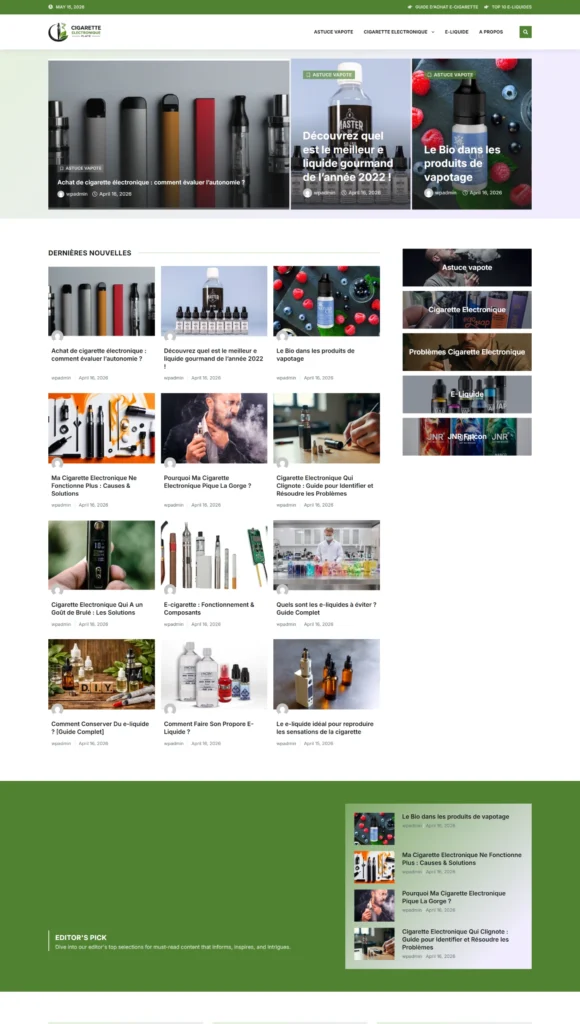
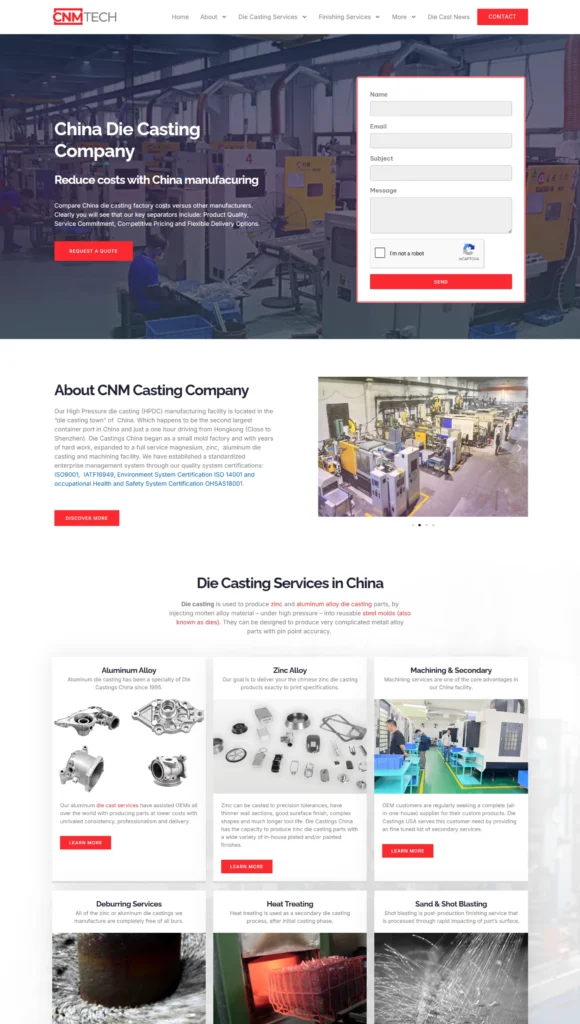
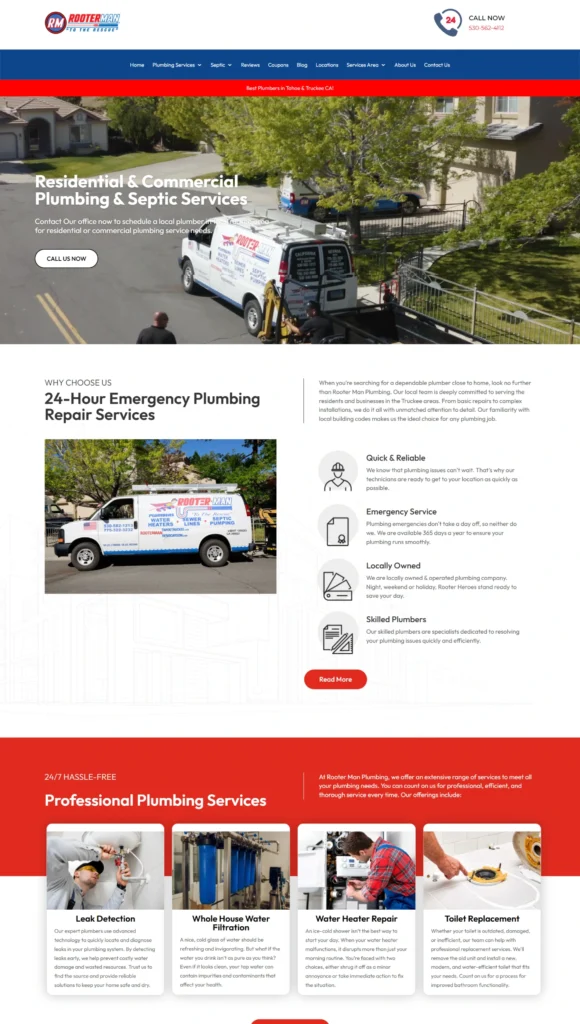
Check out the website that we restored from the Wayback Machine archive for our clients.

Have Questions?

Frequently Asked Questions About Website Restoration Services

Yes, many deleted websites can be restored if archived versions or backups still exist. Using archived snapshots from the Wayback Machine or other available data sources, we can recover website pages, images, and structure and rebuild them into a functional website again.

Yes. When a website is restored correctly, original URLs, internal links, and page structure can be preserved. This helps maintain SEO value and search visibility. A properly rebuilt website with clean structure and SEO-friendly pages can continue performing well in search engines.

Website restoration using the Wayback Machine involves recovering archived snapshots of a website. These archived pages, images, and content are extracted and rebuilt into a functional website structure, usually in WordPress or HTML, while preserving the original design and content.

The restoration time depends on the size and complexity of the website. Small websites may take 24–48 hours, while larger websites with many pages or complex functionality may take several days to fully rebuild and test.

Yes. Even without a backup, many WordPress websites can be restored using archived versions available online. Archived snapshots can help recover pages, blog posts, images, and content that can then be rebuilt into a new WordPress website.

Website restoration usually requires manual work to recover and rebuild website content, structure, and functionality. Because of this process, it is typically a paid service depending on the website size, complexity, and available archived data.

Yes. Elementor websites and custom layouts can be restored by rebuilding archived content into Elementor pages. This allows the restored website to remain fully editable while maintaining the original design structure.

To begin the restoration process, you usually need to provide the website domain, archived URL if available, and any additional information such as backups, screenshots, or content files that can help reconstruct the website accurately.

Yes. Archived versions of eCommerce websites can be used to rebuild product pages, categories, and store structure. While some dynamic features may need to be recreated, most online stores can be successfully restored and rebuilt.

Yes. Hacked or damaged websites can often be restored using clean archived versions of the website. Malware is removed and the website is rebuilt into a secure, functional structure.

In most cases, the restored website will closely match the original design and structure. However, minor adjustments may be required depending on the availability and quality of archived data.

Yes. Support can be provided after the restoration to help with hosting setup, website updates, or further improvements to ensure the website runs smoothly.

Website Restoration Guides, Articles & Resources

Stay informed with expert guides and insights about website restoration, Wayback Machine recovery, WordPress rebuilding, and SEO improvements. Our articles help website owners understand how to recover lost websites, protect their digital assets, and keep their websites performing at their best.

We Ready 24 Hours

Have a project in mind? Let's Talk

Have an idea for a project or need help restoring your website? Let’s work together to make it happen! Reach out, and our team will guide you every step of the way.

wayback restore logo

Your trusted partner for restoring and growing your online presence. Our expert recovery solutions are designed to help your business thrive and get back online seamlessly.

Find Us

Mon - Sat : 8am - 9pm

Project offers

contact@waybackrestore.com

© Copyright 2026 waybackrestore by Attors Technologies. All rights reserved.