
Audit Internal Links After Website Restoration
Audit restored links for correct destinations, useful context and disconnected pages. Preserve meaningful relationships rather than insert repetitive link blocks.

Audit restored links for correct destinations, useful context and disconnected pages. Preserve meaningful relationships rather than insert repetitive link blocks.
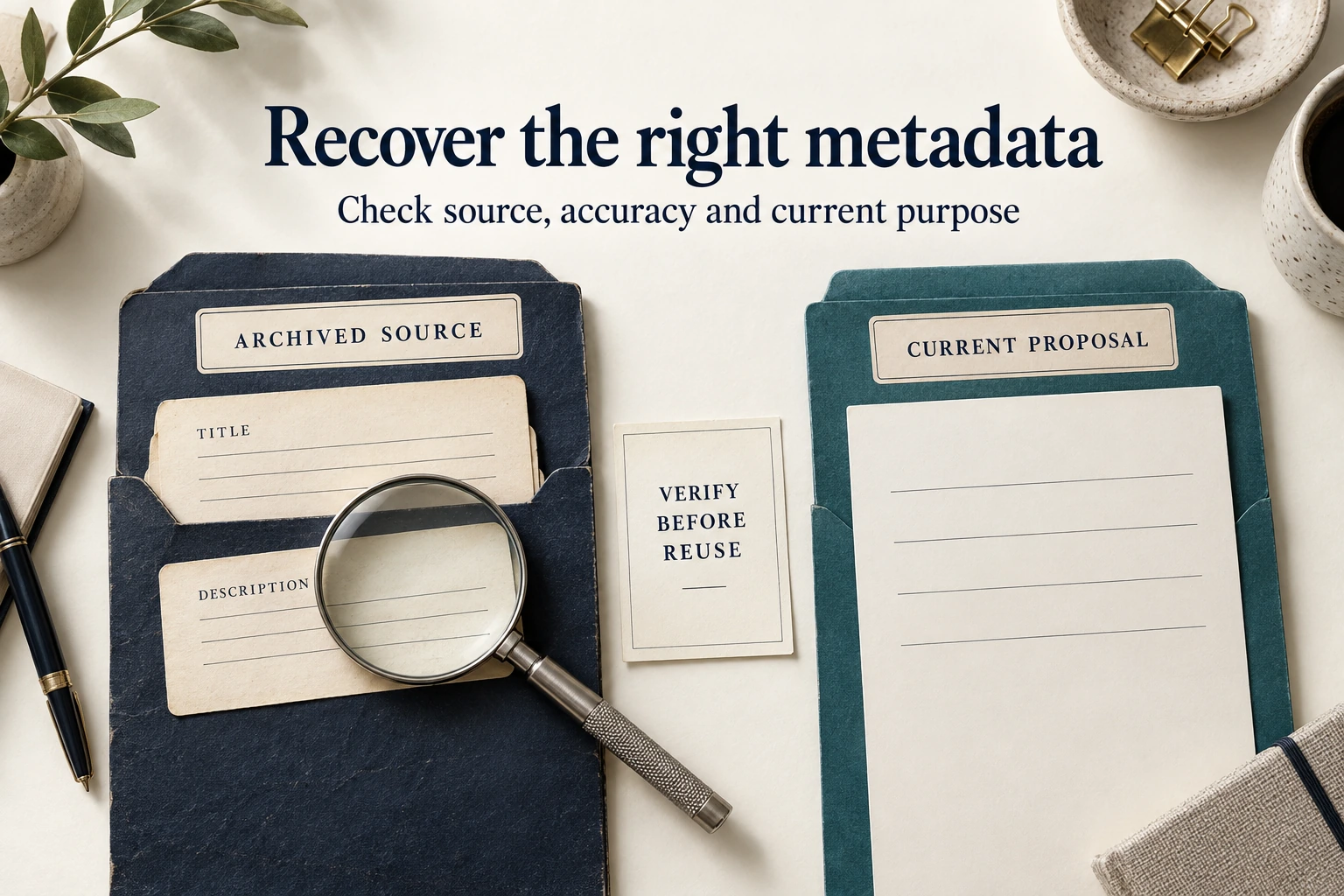
Recover page-specific SEO titles and descriptions from genuine sources, reconcile outdated facts and verify the live output without changing established URLs.
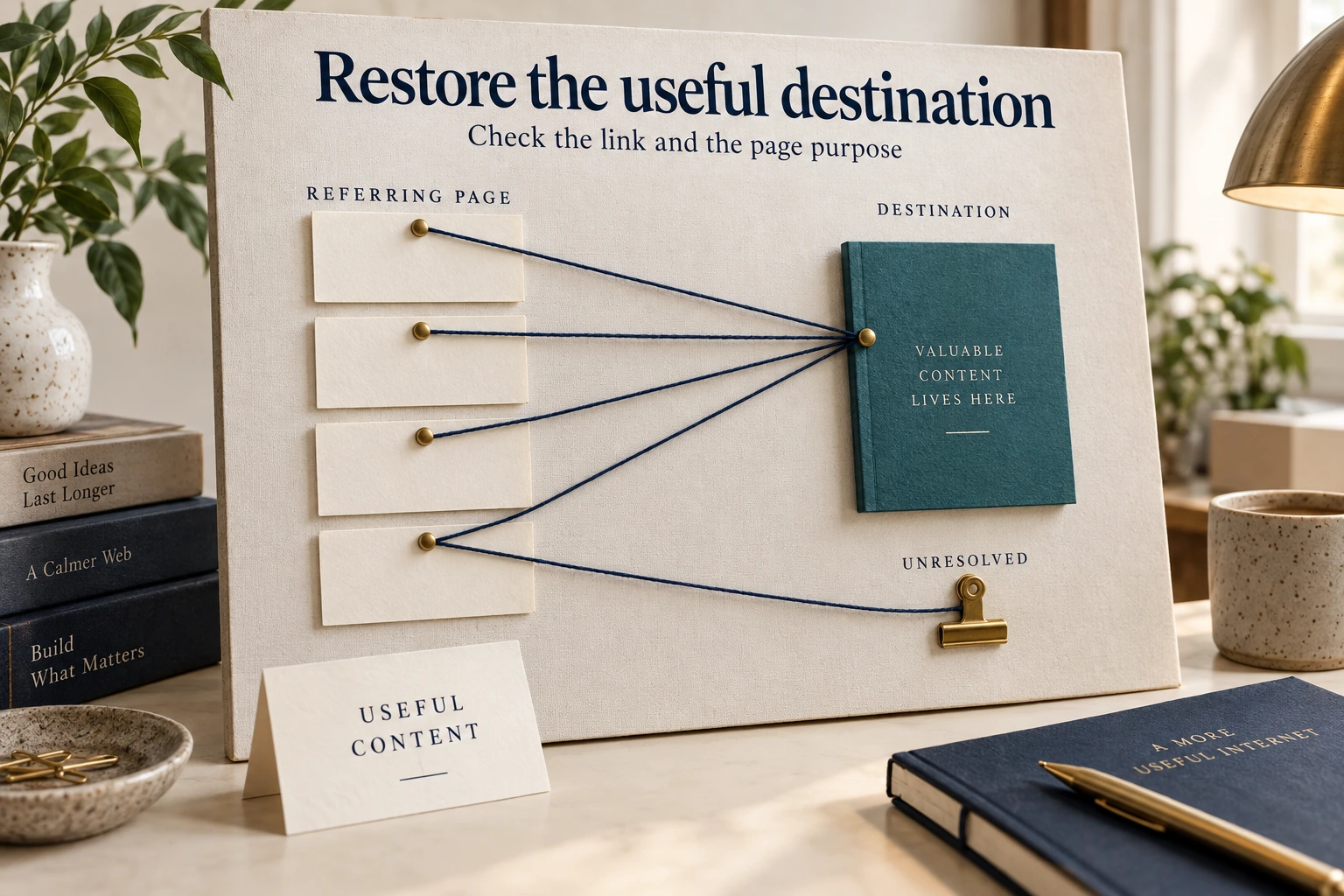
Prioritize lost backlink destinations using verified source links, relevant recoverable content and original URLs, without assuming old rankings will return.
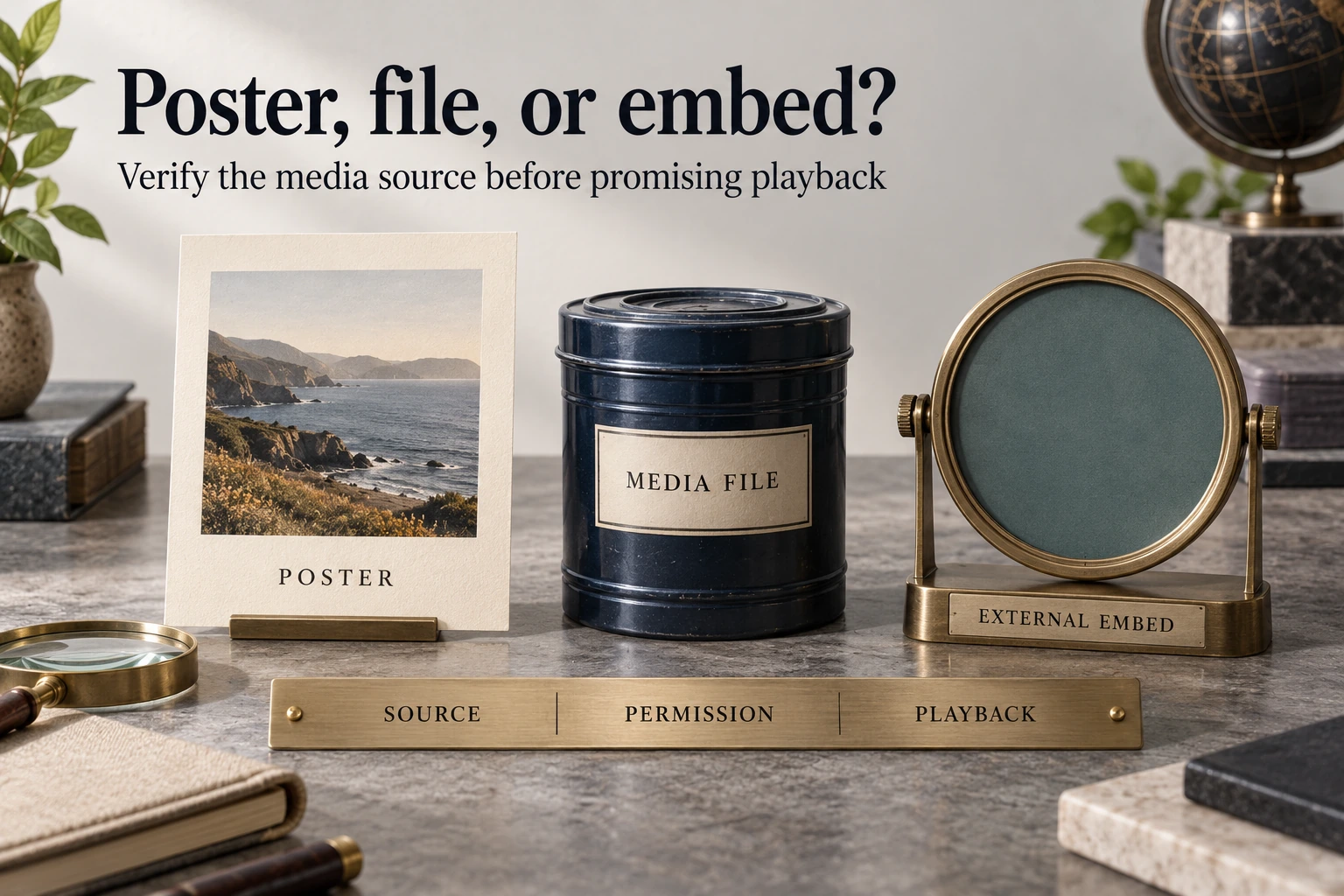
Distinguish saved video files, external embeds and thumbnails. Check owner-held originals, provider permissions and actual playback before approving recovery.

Archived form fields do not include the original processing system. Define authorized integrations and verify recorded or delivered results after rebuilding.
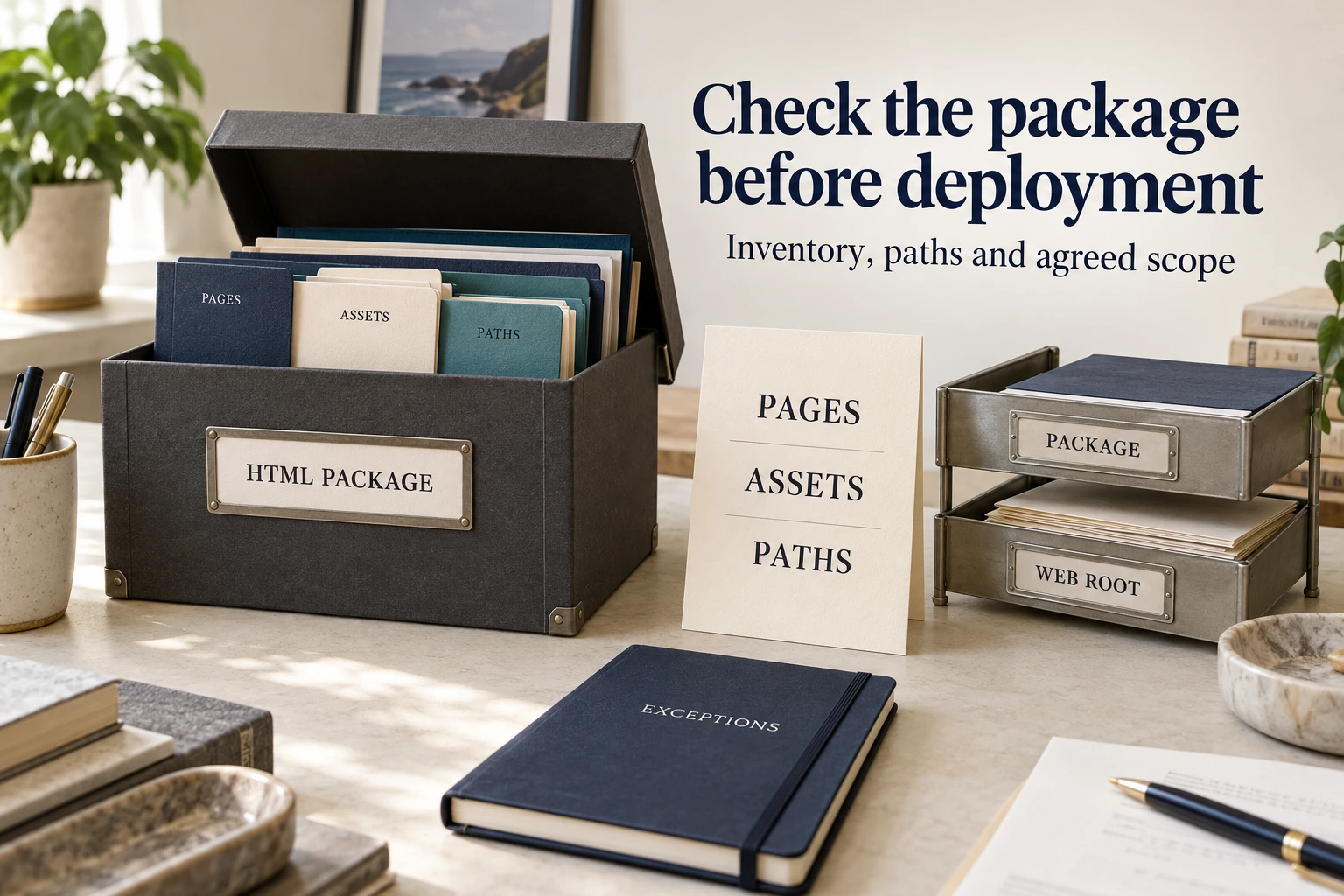
Check a recovered HTML ZIP against its manifest, deployment paths, page journeys and function scope before accepting the static website delivery.
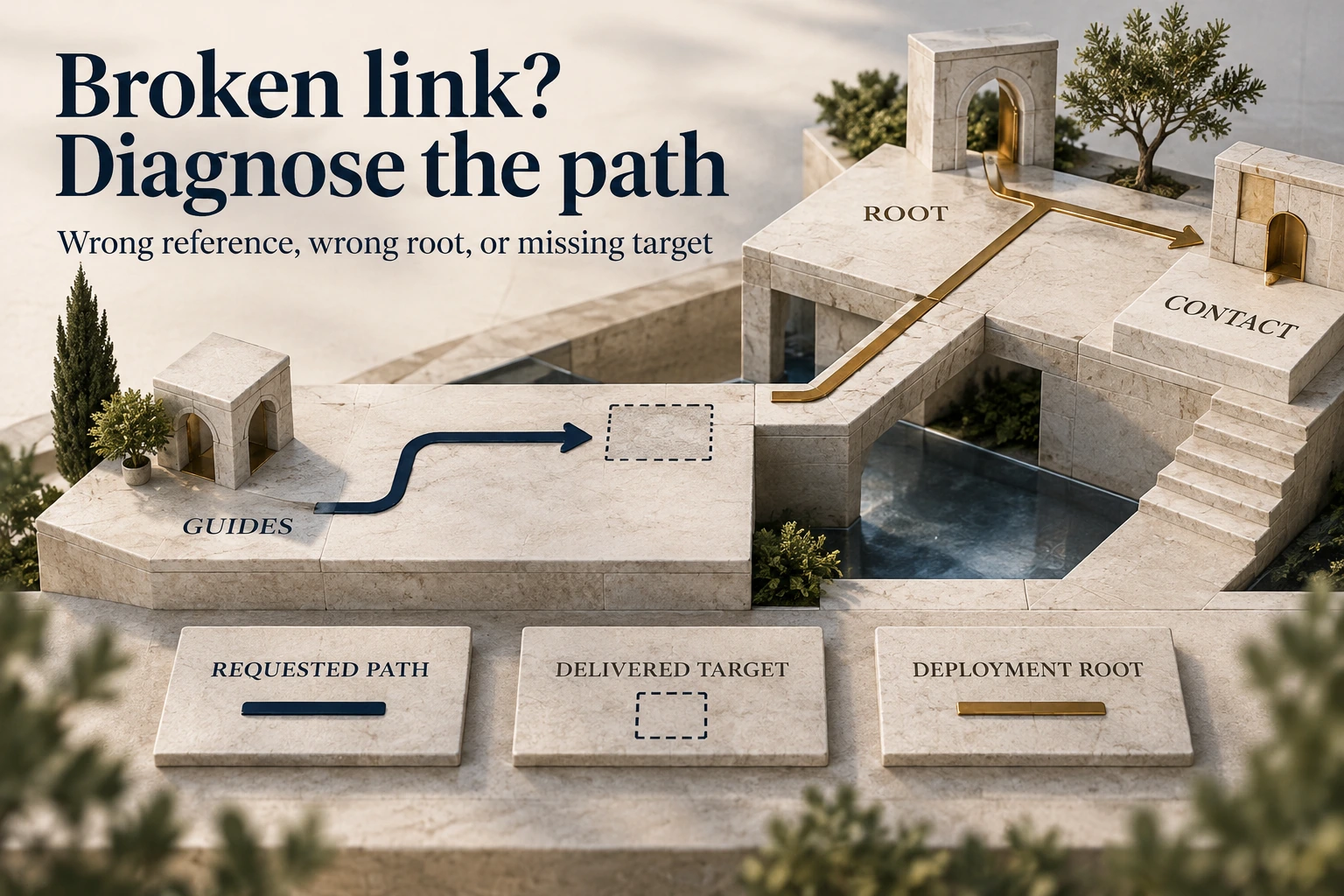
Diagnose broken downloaded-site links by comparing requested addresses, files and deployment paths. Separate a wrong reference from missing recovered content.
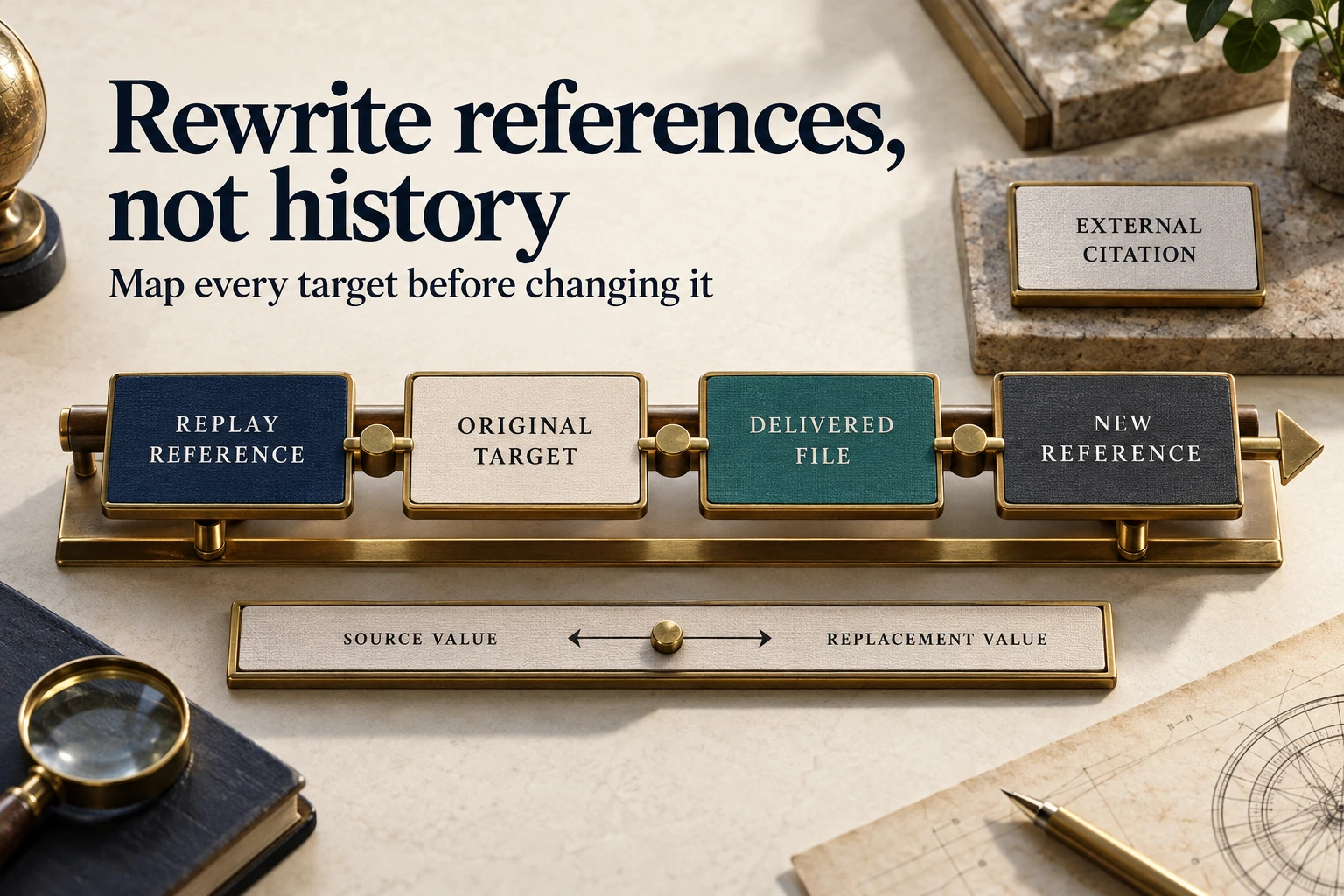
Map archive replay URLs to verified restored destinations without breaking external links. Keep reversible changes and test HTML, CSS and script references.
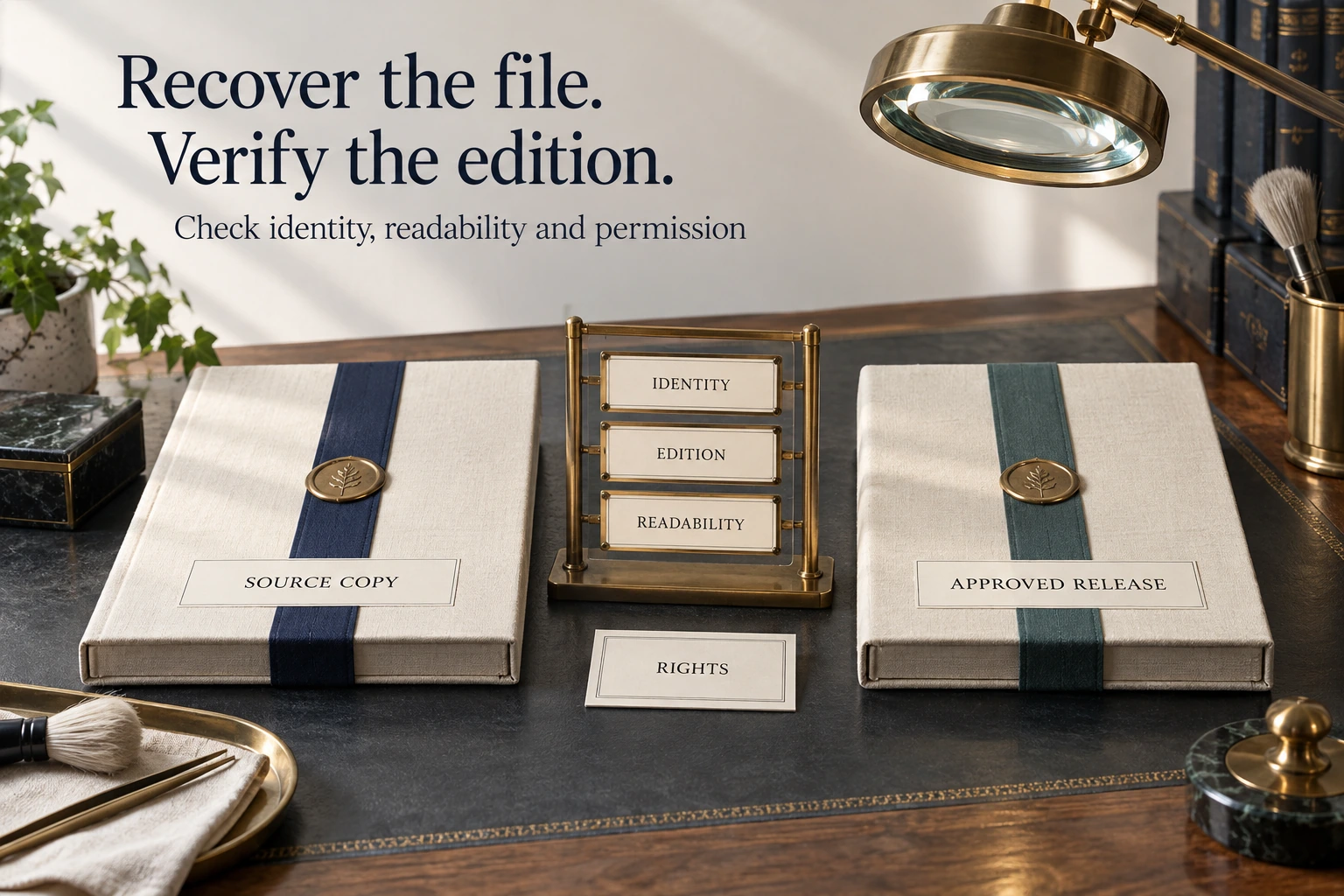
Recover archived PDFs with identity, edition and readability checks. Review publication permission and outdated information before restoring download links.
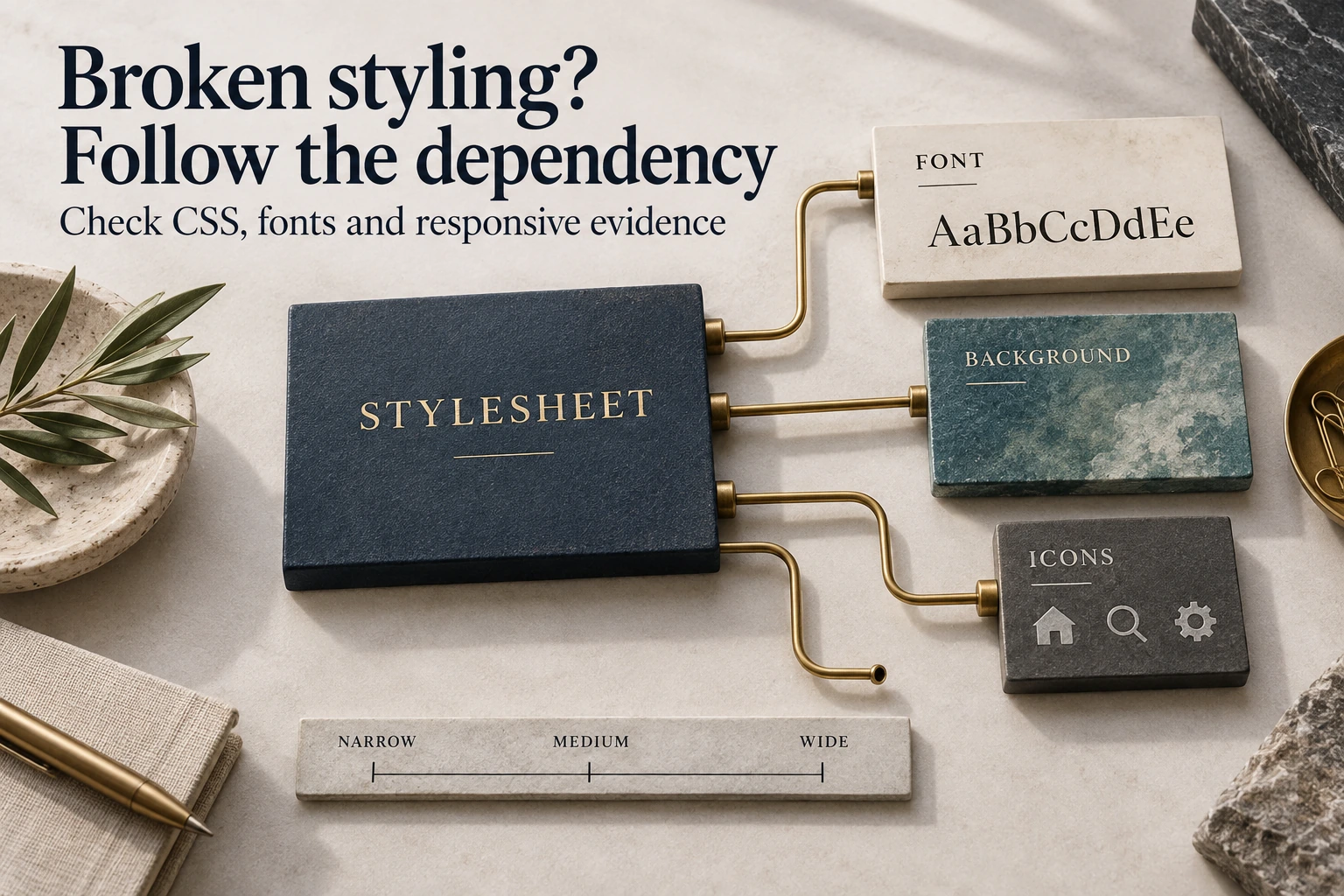
Trace missing stylesheets, fonts and visual dependencies in an archived website. Check actual loading evidence before recreating the original design.
Trace archived image and file URLs, verify usable copies, compare capture dates and record replacements before rebuilding a website’s missing assets.

Choose a WordPress editor by testing real maintenance tasks. Compare blocks, visual builders and HTML-based conversion without assuming equivalent editing.

Share the old domain and preferred snapshot. We will review the available archive and explain practical recovery options.