
Skip to content
  • Trusted Website Restoration Experts for Businesses Worldwide
  • Free Website Recovery Consultation
  • WhatsApp Support
Wayback Restore
  • Services
    • Elementor WordPress Restoration
    • Website Redesign and Restoration
    • WordPress Website Restoration
    • WooCommerce Website Recovery
    • HTML Website Restoration
    • Expired Domain Restoration
    • Shopify Website Restoration
    • Wix Website Restoration
    • Webflow Website Restoration
    • Drupal Website Restoration
    • Bulk Website Restoration for Agencies
    • Divi WordPress Restoration
    • Bricks WordPress Restoration
  • Pricing
  • Tools New
    • Wayback Downloader New
    • Free Checker
  • Resources
    • Blog
    • Portfolio
    • Reviews
    • Restoration Process
    • FAQ
    • Downloader vs Restoration
  • Contact
  • Services
    • Elementor WordPress Restoration
    • Website Redesign and Restoration
    • WordPress Website Restoration
    • WooCommerce Website Recovery
    • HTML Website Restoration
    • Expired Domain Restoration
    • Shopify Website Restoration
    • Wix Website Restoration
    • Webflow Website Restoration
    • Drupal Website Restoration
    • Bulk Website Restoration for Agencies
    • Divi WordPress Restoration
    • Bricks WordPress Restoration
  • Pricing
  • Tools New
    • Wayback Downloader New
    • Free Checker
  • Resources
    • Blog
    • Portfolio
    • Reviews
    • Restoration Process
    • FAQ
    • Downloader vs Restoration
  • Contact
Start Restoration
Client Login

Category: Website Restoration Tips

Recover a Joomla Website: Files, Database and Archive Limits
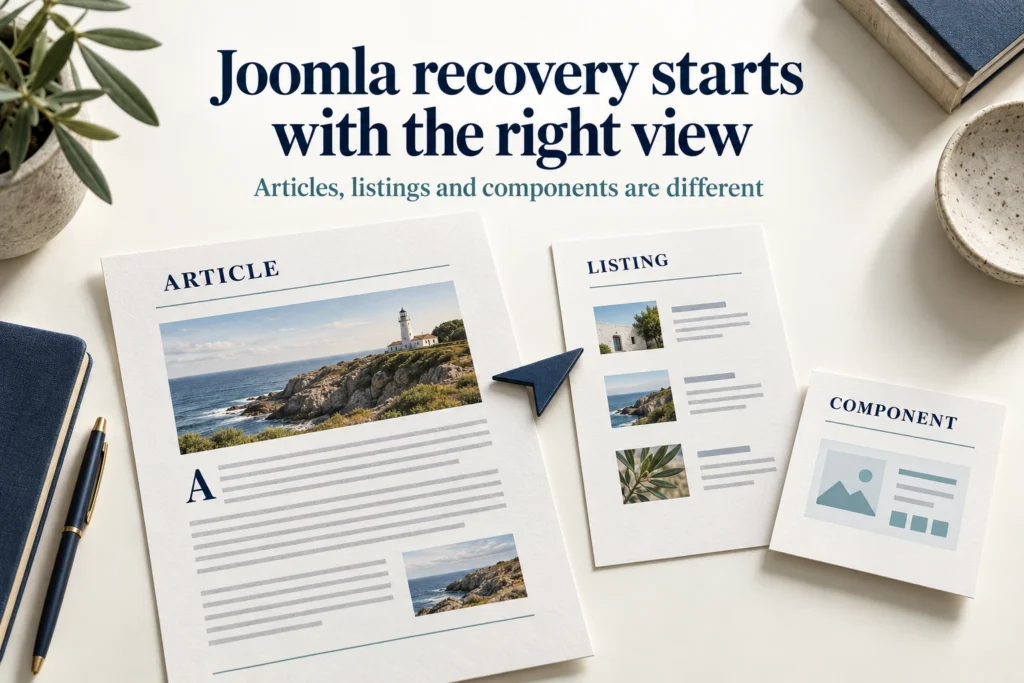
Illustrative Joomla recovery sheets distinguishing an article, category listing and component view.

Assess Joomla files, database sources and archived menu views. Separate recoverable original records from public content that needs reconstruction.

Recover a Squarespace Website: Content and Rebuild Options
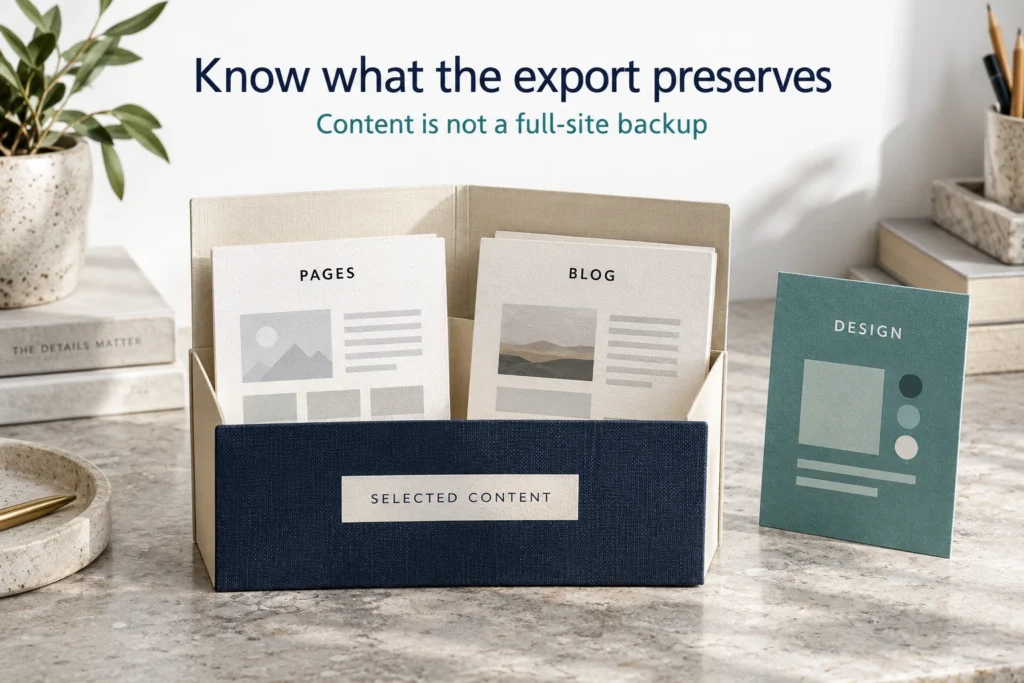
Editorial page and blog samples inside a selected-content folder, with design assets outside it.

Check Squarespace’s native page restoration and export limits before an archive rebuild. Separate recoverable content, design references and private data.

Recover a Webflow Website: Backups, CMS and Archive Limits
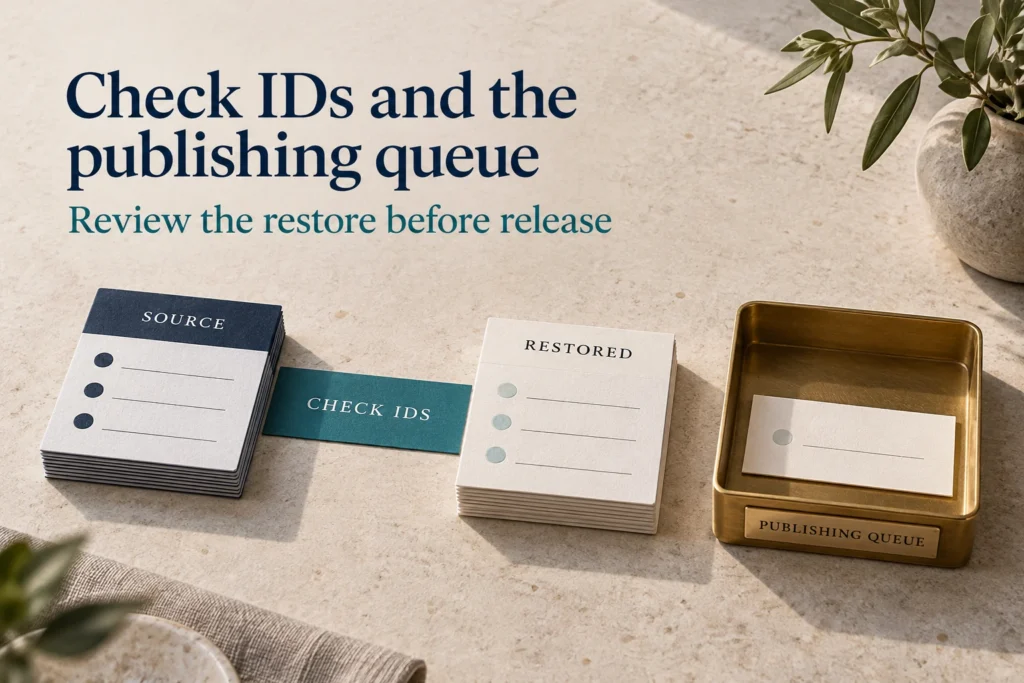
Historical and current record cards beside a publication-queue tray, the records you compare to recover a Webflow website.

Review Webflow backups, date-dependent CMS IDs and Collection relationships before rebuilding from archives. Verify records, templates and publishing queues.

Recover a Wix Website: Site History or Archive Rebuild?

Editorial page-layout layer separated from collection-record cards.

Check Wix Site History and separate CMS recovery before an archive rebuild. Preserve newer work and verify both page design and supporting data.

Archived Store Rebuild: WooCommerce or Shopify?
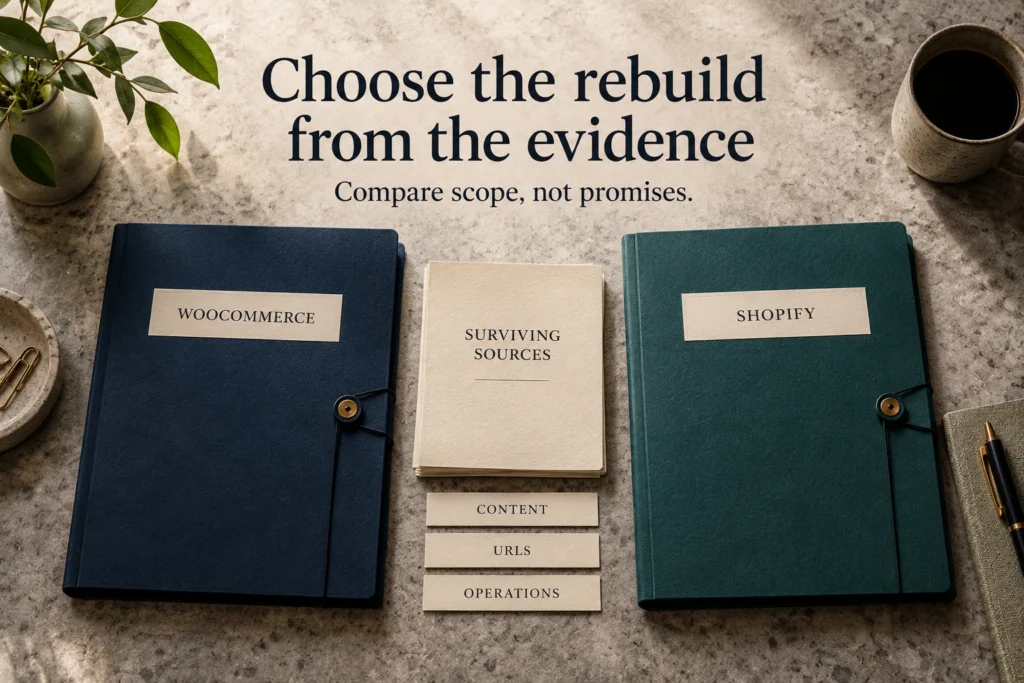
Editorial shared source packet positioned between two destination-platform folders.

Compare WooCommerce and Shopify for an archived-store rebuild using surviving sources, catalog needs, operations, URL constraints and actual scope.

Recover Shopify Product Content: Exports vs Archives

Editorial product and option samples arranged alongside a separate collection relationship map.

Recover Shopify product content using exports and verified public evidence. Review variant dependencies, collections, image sources and safe update boundaries.

Rebuild a Shopify Theme from Archived Storefront Evidence

Storefront layout frame and component layers used to rebuild a Shopify theme

Rebuild a Shopify theme from verified storefront references. Separate original theme files, recreated sections, app dependencies and mobile evidence gaps.

Shopify Store Closed or Inaccessible? Check Recovery First
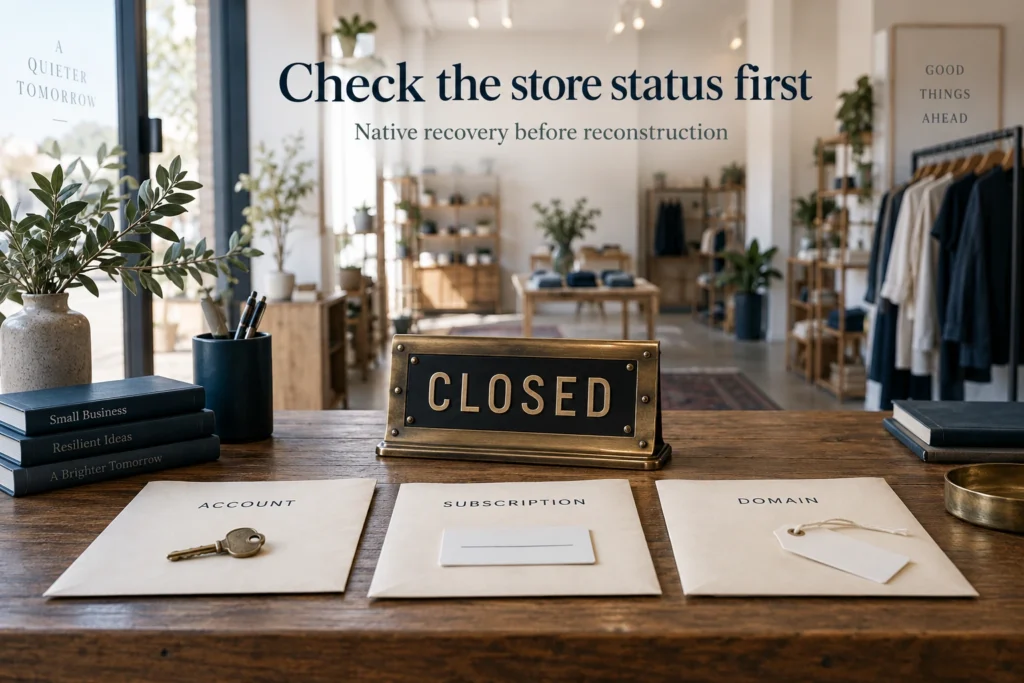
Editorial retail sign with separate Account, Subscription and Domain records.

Check Shopify account status, native reactivation and retained sources before rebuilding a closed store. Separate access recovery from archive reconstruction.

Preserve Product and Category URLs When Rebuilding a Store
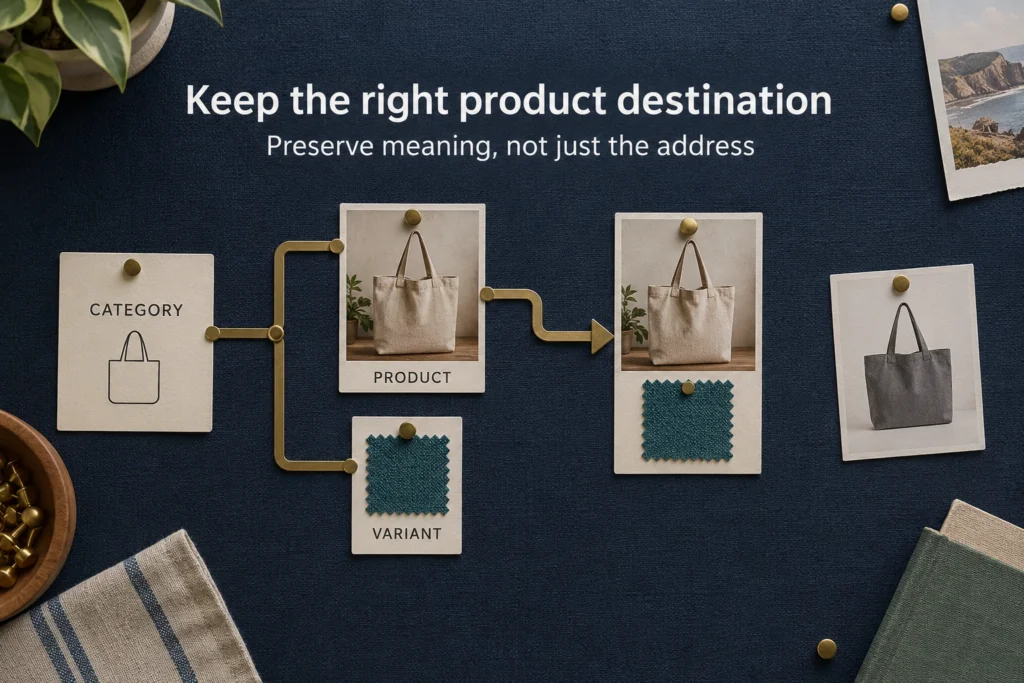
Product, category and variant cards connected through a route map, showing how to preserve product and category URLs.

Preserve product and category URLs by mapping item identity, variants and retired products. Check platform constraints before approving route changes.

Restore Ecommerce Checkout: What Archives Cannot Recover

Editorial blank checkout layout beside Payments, Delivery and Orders folders and a Test Scope card.

Restore ecommerce checkout with approved payment, shipping and order-recording requirements. Separate archived screens from safe transaction verification.

← Previous
Next →
Wayback Restore

Professional Wayback Machine website restoration for businesses, agencies, developers, and domain owners rebuilding recoverable sites from Archive.org snapshots, historical website records, and available project files.

  • Defined Review Process
  • Delivery Planning
  • Worldwide Service
Services
WordPress website restoration
WordPress Restoration
Elementor WordPress restoration
Elementor Restoration
WooCommerce website recovery
WooCommerce Recovery
Website redesign and restoration
Website Redesign and Restoration
HTML website restoration
HTML Restoration
Bulk website restoration
Bulk Website Restoration
Company
  • About Us
  • Portfolio
  • Services
  • FAQ
  • Free Restore Checker
  • Pricing
  • Downloader vs Restoration
  • Expired Domain Restoration
  • Order Now
  • Contact Us
  • Reviews
Resources
  • Wayback Downloader New
  • Website Recovery Service
  • Restoration Process
  • Blog Posts
  • Free Review Request
Contact
  • contact@waybackrestore.com
  • WhatsApp Chat
  • Response After Request Review
  • Worldwide Service

Supplied URLs, files, and access details are used for restoration review and service delivery.

© 2026 Wayback Restore.
  • Payments through WooCommerce checkout
  • Project details limited to delivery
  • Professional support
  • Privacy Policy
  • Terms & Conditions
  • Refund Policy
.elementor-element-f7a768aa { display: none !important; } @media (max-width: 900px) { .elementor-element-c884068 .elementor-icon-list-text { overflow-wrap: anywhere; word-break: break-word; } }
Abuzar Mustansar, founder of Wayback Restore

Abuzar Mustansar

Abuzar

Hey, how can I help you today?

Click to start chat