
Skip to content
  • Trusted Website Restoration Experts for Businesses Worldwide
  • Free Website Recovery Consultation
  • WhatsApp Support
Wayback Restore
  • Services
    • Elementor WordPress Restoration
    • Website Redesign and Restoration
    • WordPress Website Restoration
    • WooCommerce Website Recovery
    • HTML Website Restoration
    • Expired Domain Restoration
    • Shopify Website Restoration
    • Wix Website Restoration
    • Webflow Website Restoration
    • Drupal Website Restoration
    • Bulk Website Restoration for Agencies
    • Divi WordPress Restoration
    • Bricks WordPress Restoration
  • Pricing
  • Tools New
    • Wayback Downloader New
    • Free Checker
  • Resources
    • Blog
    • Portfolio
    • Reviews
    • Restoration Process
    • FAQ
    • Downloader vs Restoration
  • Contact
  • Services
    • Elementor WordPress Restoration
    • Website Redesign and Restoration
    • WordPress Website Restoration
    • WooCommerce Website Recovery
    • HTML Website Restoration
    • Expired Domain Restoration
    • Shopify Website Restoration
    • Wix Website Restoration
    • Webflow Website Restoration
    • Drupal Website Restoration
    • Bulk Website Restoration for Agencies
    • Divi WordPress Restoration
    • Bricks WordPress Restoration
  • Pricing
  • Tools New
    • Wayback Downloader New
    • Free Checker
  • Resources
    • Blog
    • Portfolio
    • Reviews
    • Restoration Process
    • FAQ
    • Downloader vs Restoration
  • Contact
Start Restoration
Client Login

Category: Website Restoration Tips

Rebuild WordPress Menus from Archived Website Evidence
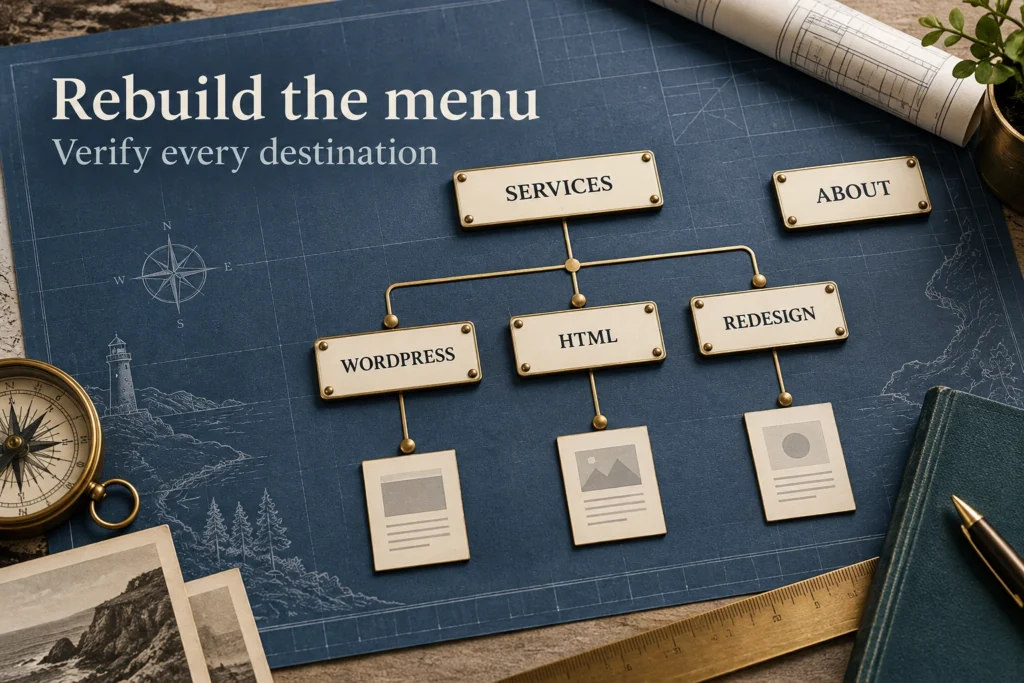
Editorial wayfinding map showing a Services menu branching to WordPress, HTML and Redesign destinations while About remains separate.

Rebuild WordPress menus from archived labels and destinations. Check hierarchy, mobile controls and published links without assuming old settings survive.

WordPress Database Lost but Files Remain: Recovery Limits
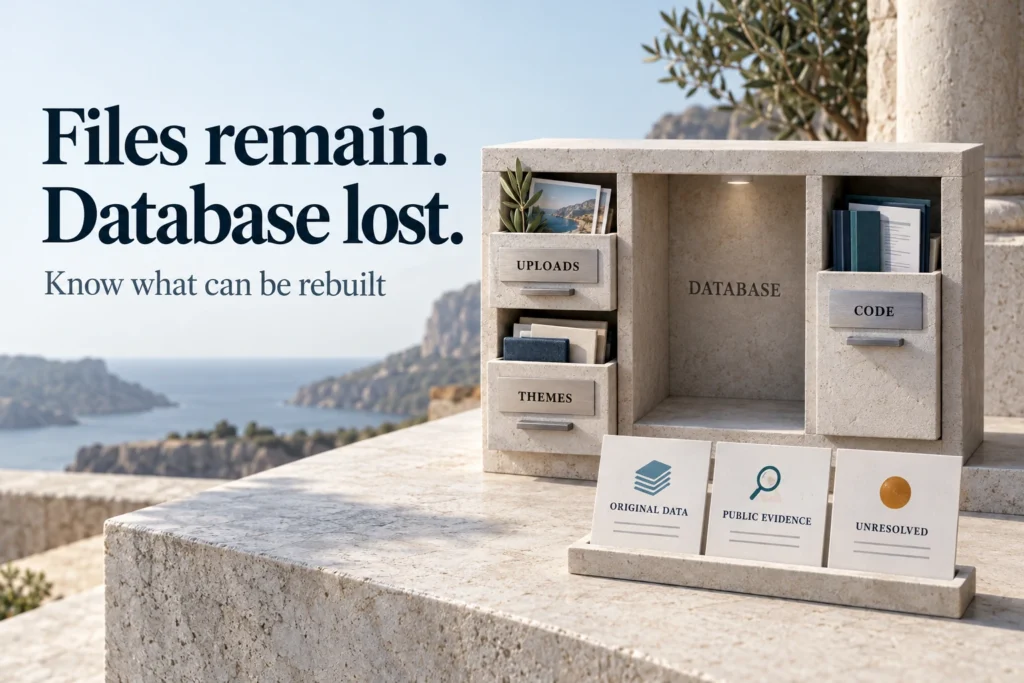
Editorial architectural model showing surviving uploads, themes and code around an empty database space, with original-data, public-evidence and unresolved records.

If WordPress files remain but the database is lost, check surviving originals and public evidence. Understand what can be rebuilt and which records stay missing.

Recover Missing WordPress Images and Media Associations
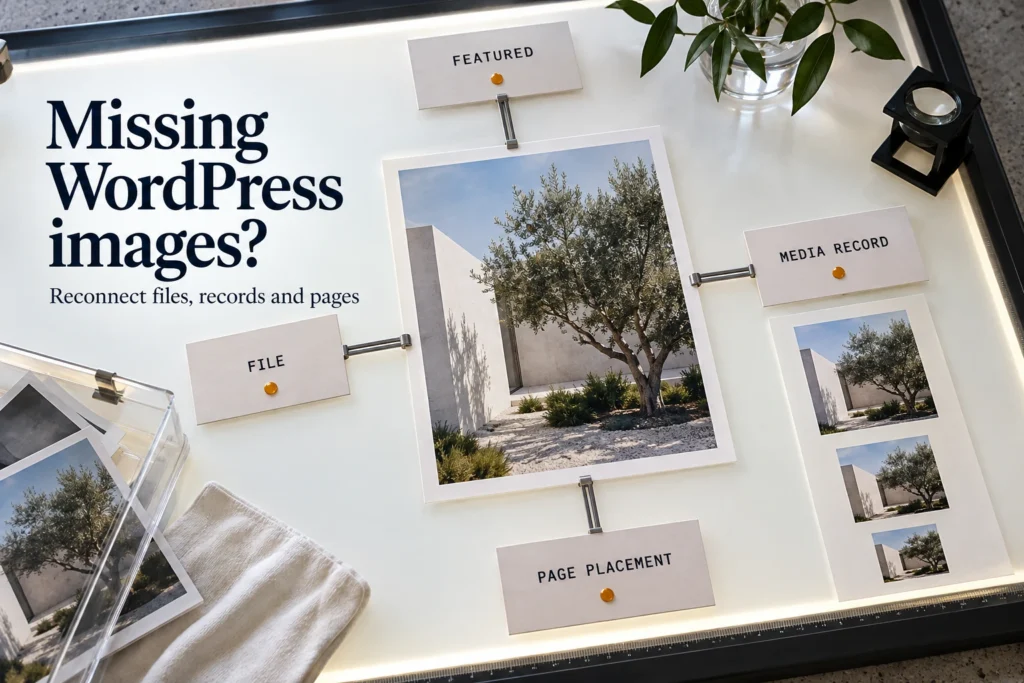
Editorial light table mapping one image file to a media record, featured assignment and page placement.

Recover missing WordPress images and reconnect them to content. Check media records, featured assignments, size variants and the public page result.

Website Backup Incomplete? Check What Can Be Recovered
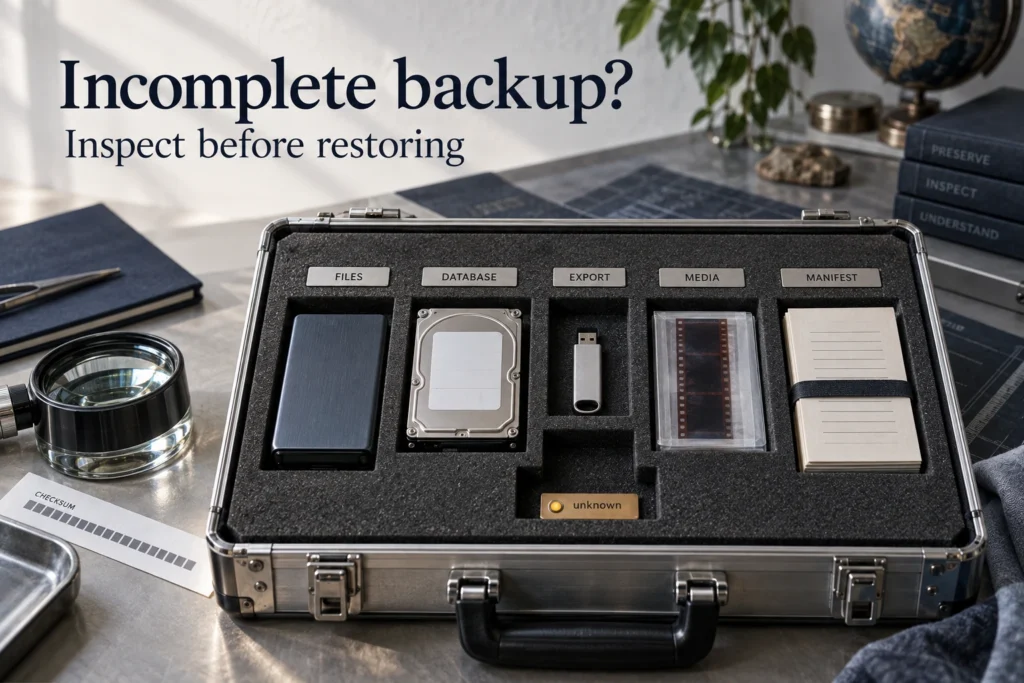
Editorial inspection case separating files, database, export, media and manifest components, with one unknown slot.

Inspect an incomplete website backup without overwriting production. Check files, database scope, extraction errors and dates before choosing a recovery path.

Developer Disappeared? Recover Your Website and Access
Editorial handover desk with separate domain, hosting, CMS and media cards beside a closed handover folio.

Recover legitimate website access when a developer is unavailable. Identify providers, request verified account recovery and prepare a complete handover.

Hacked Website: Backup Recovery or Archive Reconstruction?

Editorial photographic content-review folio beside a separate security-review document, divided into distinct work areas.

Compare backup recovery and archive reconstruction after a website hack. Separate public-content recovery from security remediation and private-data recovery.

Staging Overwrote Your Live Website: Recovery Options
Editorial photograph of separate staging and production binders with an amber hold marker between them.

Staging overwrote your live website? Identify the push scope, compare pre-push backups and preserve newer production data before approving a rollback.

Website Lost After Migration: Diagnose What Is Missing
Photographic editorial source and destination trays with page and media samples arranged for comparison.

Website lost after migration? Compare files, database and original URLs, preserve both environments and identify missing components before choosing recovery.

Accidentally Deleted Your Website? What to Preserve First
Photographic editorial backup drive sealed beside an unused incident log and a pause marker.

Accidentally deleted your website? Preserve surviving files, backups and incident details before reinstalling or authorizing a restore that replaces newer data.

Website Offline or Deleted? Check DNS, Domain and SSL
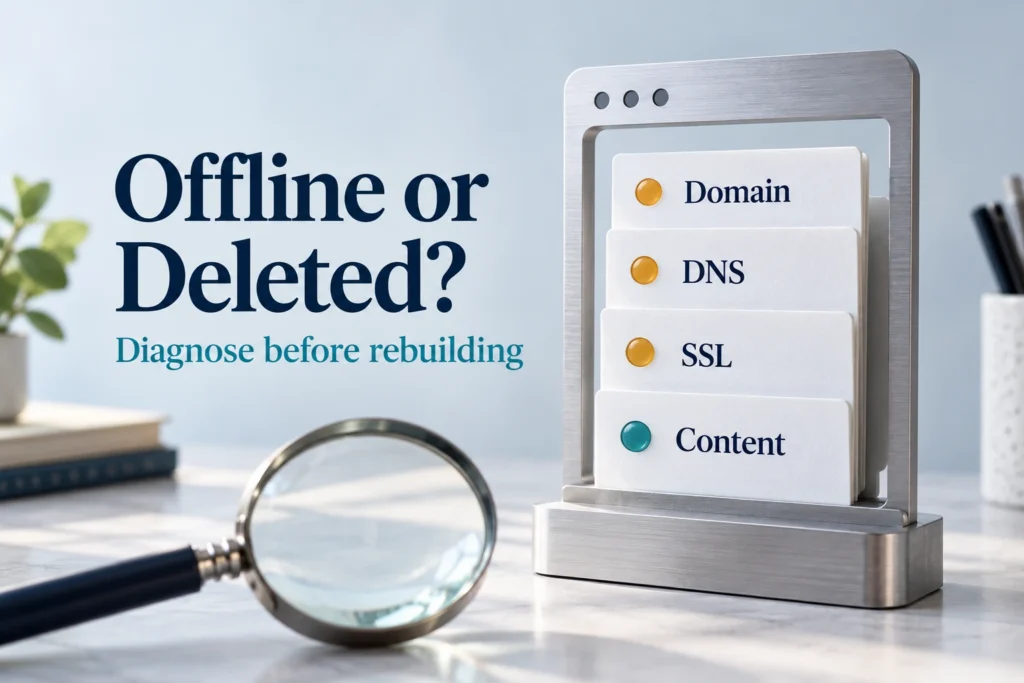
Photographic editorial close-up of separate domain, DNS, SSL and content diagnostic cards beside a browser window frame.

Check whether an offline website has lost content or has a domain, DNS or SSL problem. Record symptoms before deciding on repair or archive rebuilding.

← Previous
Next →
Wayback Restore

Professional Wayback Machine website restoration for businesses, agencies, developers, and domain owners rebuilding recoverable sites from Archive.org snapshots, historical website records, and available project files.

  • Defined Review Process
  • Delivery Planning
  • Worldwide Service
Services
WordPress website restoration
WordPress Restoration
Elementor WordPress restoration
Elementor Restoration
WooCommerce website recovery
WooCommerce Recovery
Website redesign and restoration
Website Redesign and Restoration
HTML website restoration
HTML Restoration
Bulk website restoration
Bulk Website Restoration
Company
  • About Us
  • Portfolio
  • Services
  • FAQ
  • Free Restore Checker
  • Pricing
  • Downloader vs Restoration
  • Expired Domain Restoration
  • Order Now
  • Contact Us
  • Reviews
Resources
  • Wayback Downloader New
  • Website Recovery Service
  • Restoration Process
  • Blog Posts
  • Free Review Request
Contact
  • contact@waybackrestore.com
  • WhatsApp Chat
  • Response After Request Review
  • Worldwide Service

Supplied URLs, files, and access details are used for restoration review and service delivery.

© 2026 Wayback Restore.
  • Payments through WooCommerce checkout
  • Project details limited to delivery
  • Professional support
  • Privacy Policy
  • Terms & Conditions
  • Refund Policy
.elementor-element-f7a768aa { display: none !important; } @media (max-width: 900px) { .elementor-element-c884068 .elementor-icon-list-text { overflow-wrap: anywhere; word-break: break-word; } }
Abuzar Mustansar, founder of Wayback Restore

Abuzar Mustansar

Abuzar

Hey, how can I help you today?

Click to start chat