
Website Deleted After Hosting Expired: Recovery Steps

Website missing after hosting expired? Check retained files, database backups and account status before choosing a native restore or an archive rebuild.
Archived Website Content: Ownership and Reuse Checks
Check ownership, permissions and asset licences before reusing archived website content. Prepare a clear review register and flag unresolved material.
Can Wayback Machine Recover a JavaScript Website?

Check what survives from a JavaScript website in Wayback: page content, scripts and data dependencies. Separate an archive rebuild from application recovery.
Incomplete Wayback Archive? Find Other Recovery Sources

Map gaps in an incomplete Wayback archive, compare backups and content exports, and separate verified recovery sources from newly approved reconstruction.
Website Never Archived? Recovery Options to Check First
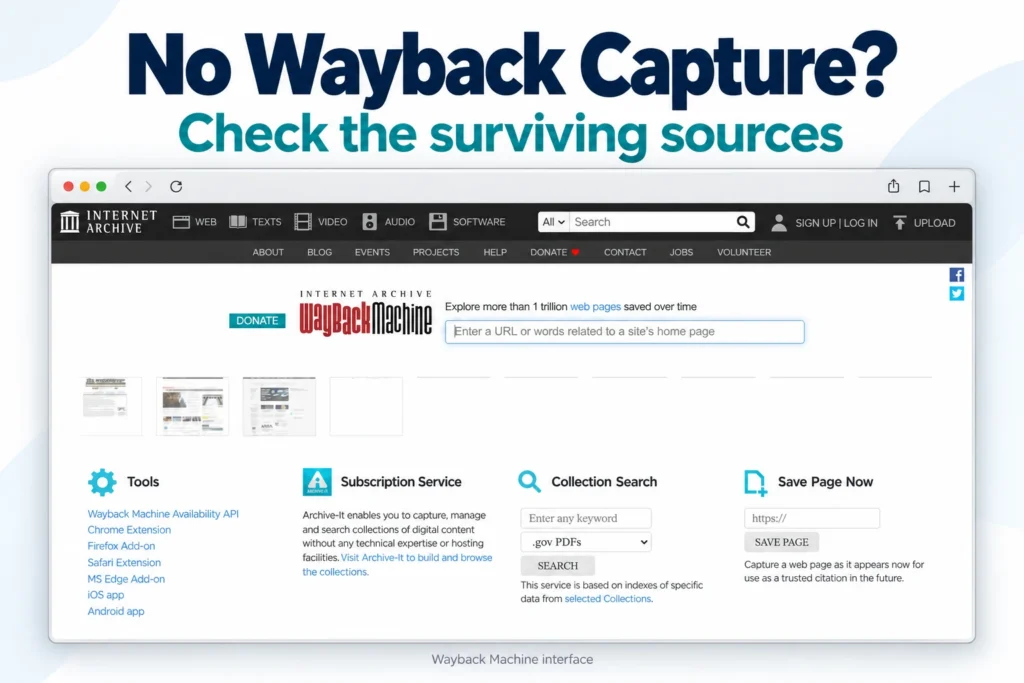
If your website was never archived, check hosting backups, exports and owner-held files first. Understand when a faithful recovery is not possible.
Recover Deleted WordPress Posts: Content and URL Checks
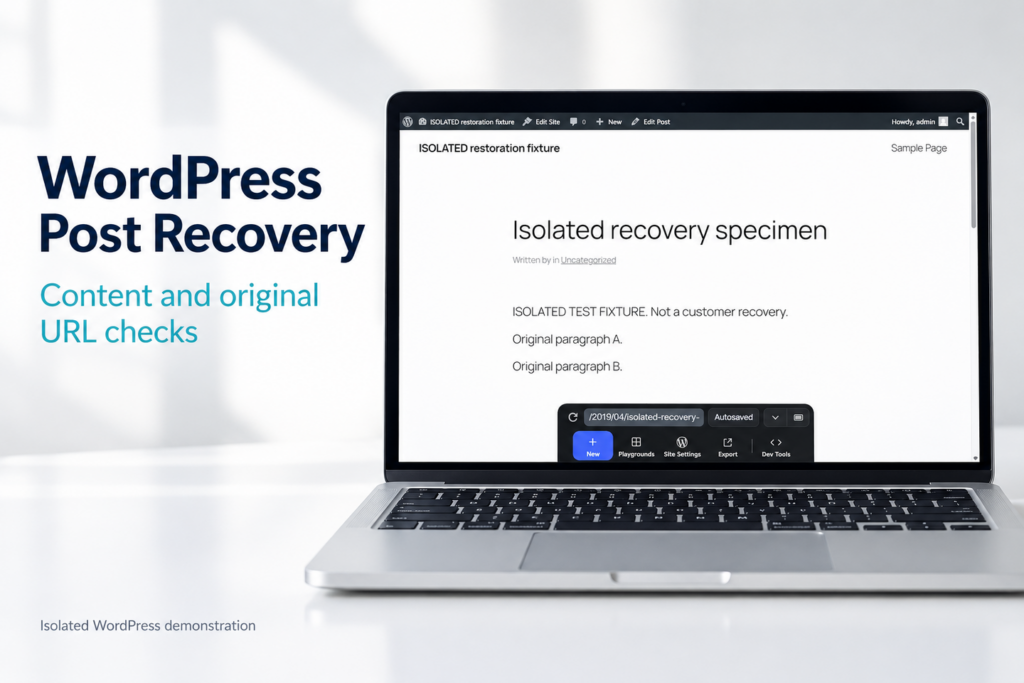
Recover a deleted WordPress post using available native recovery options or archived public content, then verify its content and original URL.
Convert Wayback Archive to WordPress: Editable Site Guide
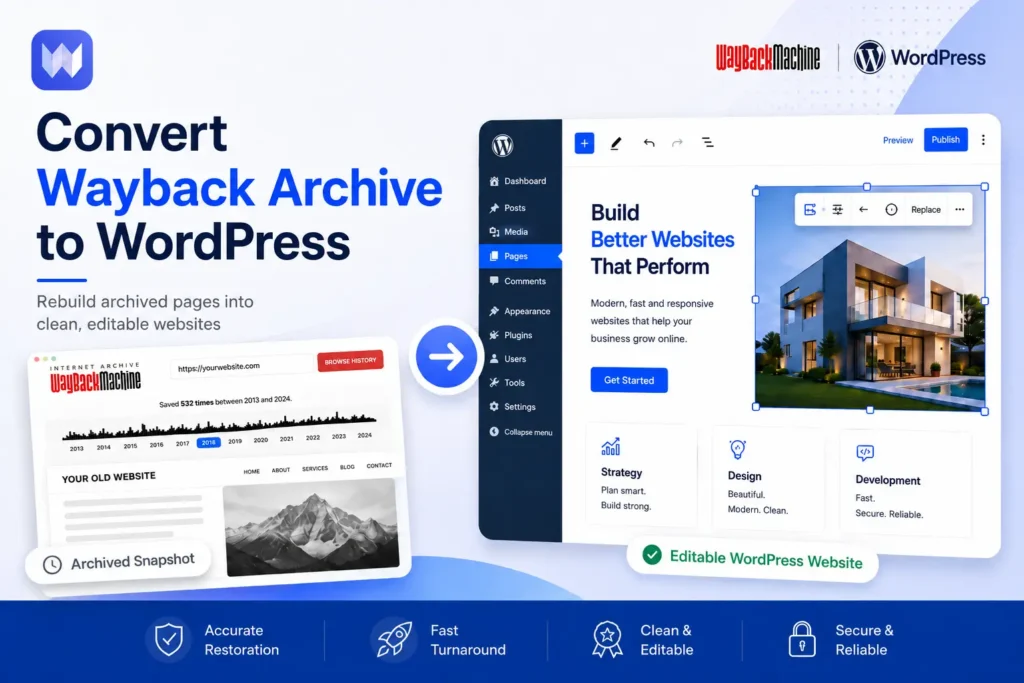
Convert Wayback archive to WordPress and learn what content can be recovered, what cannot, and how archived pages become editable again.
How to Restore Website from the Wayback Machine

Step-by-step: how to restore a website from the Wayback Machine. Check coverage, pick a snapshot, download, strip archive code, fix links, rebuild, redirect.